
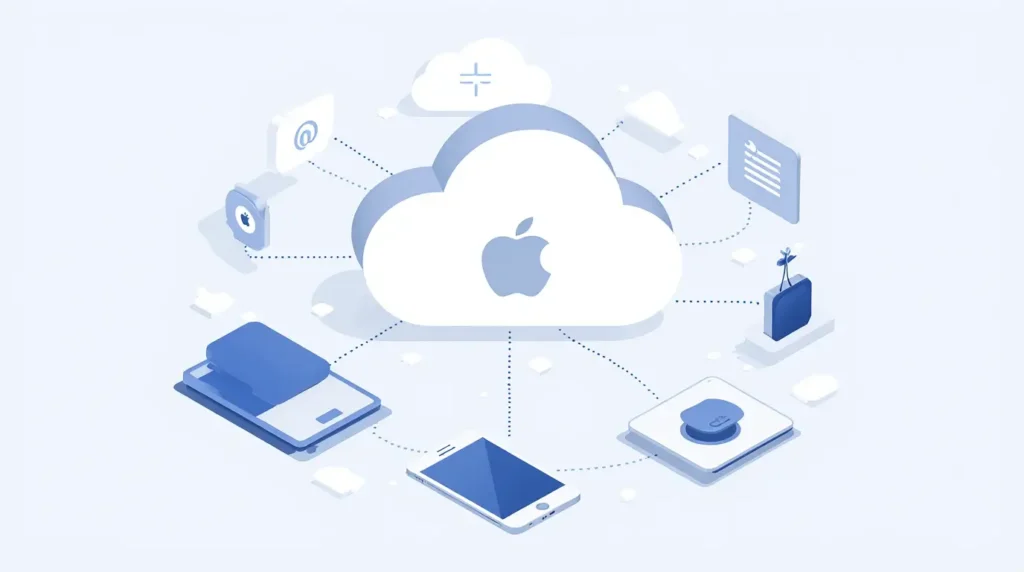
Apple Email, powered by iCloud Mail, is a secure and easy-to-use email service designed for Apple users. It integrates seamlessly across iPhone, iPad, Mac, and the web, making email management simple and efficient.
In this guide, you’ll learn how Apple Email works, how to set up iCloud Mail, its key features, and tips to use it effectively.
What Is Apple Email?
Apple Email refers to iCloud Mail, Apple’s free email service included with every Apple ID. It allows users to send, receive, and organize emails while syncing instantly across all Apple devices.
An iCloud Mail address typically ends with:
@icloud.com@me.com@mac.com
How to Set Up iCloud Mail
1. Create an iCloud Email Address
- Sign in with your Apple ID
- Enable iCloud Mail in iCloud settings
- Choose your iCloud email address
Once activated, you can access your email on all Apple devices.
2. Use Apple Mail App
The Apple Mail app comes pre-installed on:
- iPhone
- iPad
- Mac
Simply sign in with your Apple ID, and your inbox syncs automatically.
3. Access iCloud Mail on the Web
You can also use iCloud Mail via a web browser by signing in to your iCloud account.
Key Features of Apple Email
Simple Inbox Management
- Clean, distraction-free interface
- Smart folders and rules
- Powerful search
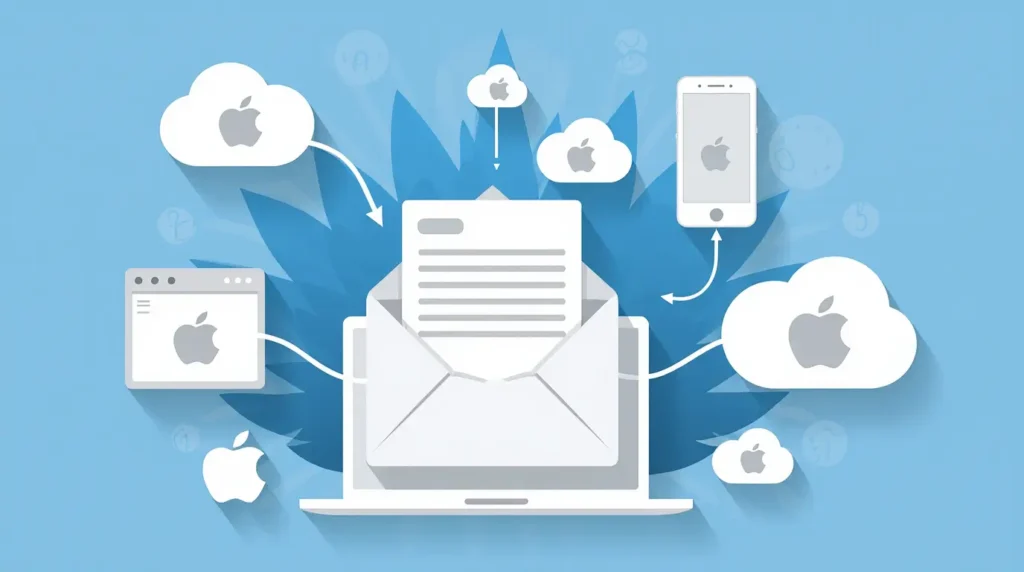
Seamless iCloud Sync
- Emails sync instantly across devices
- Attachments stored in the cloud
- Easy access anywhere
Strong Privacy & Security
- Two-factor authentication
- Spam and phishing protection
- Privacy-focused data handling
Attachment Handling
- Send and receive large attachments
- Share files easily using iCloud
Apple Email vs Other Email Services
| Feature | iCloud Mail | Gmail | Outlook |
|---|---|---|---|
| Privacy-focused | ✅ | ⚠️ | ⚠️ |
| Apple ecosystem integration | ✅ | ❌ | ❌ |
| Free storage | Limited | Limited | Limited |
| Cross-platform access | ⚠️ | ✅ | ✅ |
Apple Email is ideal for users deeply invested in the Apple ecosystem.
Tips to Use Apple Email More Effectively
✔ Use folders and smart mailboxes
✔ Enable email rules for automation
✔ Keep inbox clean with archive options
✔ Use strong passwords and 2FA
✔ Manage storage by deleting old attachments
Apple Email for Business Use
While Apple Email is excellent for personal use, it lacks advanced business tools such as:
- Custom domain email
- Team collaboration features
- Admin controls
For business needs, many users pair Apple devices with professional email services.
Is Apple Email Free?
Yes. iCloud Mail is free with every Apple ID. However, storage is shared across iCloud services, and users may need to upgrade storage for heavy usage.
Who Should Use Apple Email?
✔ Apple device users
✔ Privacy-conscious individuals
✔ Personal and casual email users
✔ Students and everyday communication
Conclusion
Apple Email via iCloud Mail offers a clean, secure, and user-friendly email experience. If you use Apple devices daily and value privacy and simplicity, iCloud Mail is an excellent choice for managing your inbox efficiently.